
Typing
You can tell a message is coming before it arrives.
In chat#
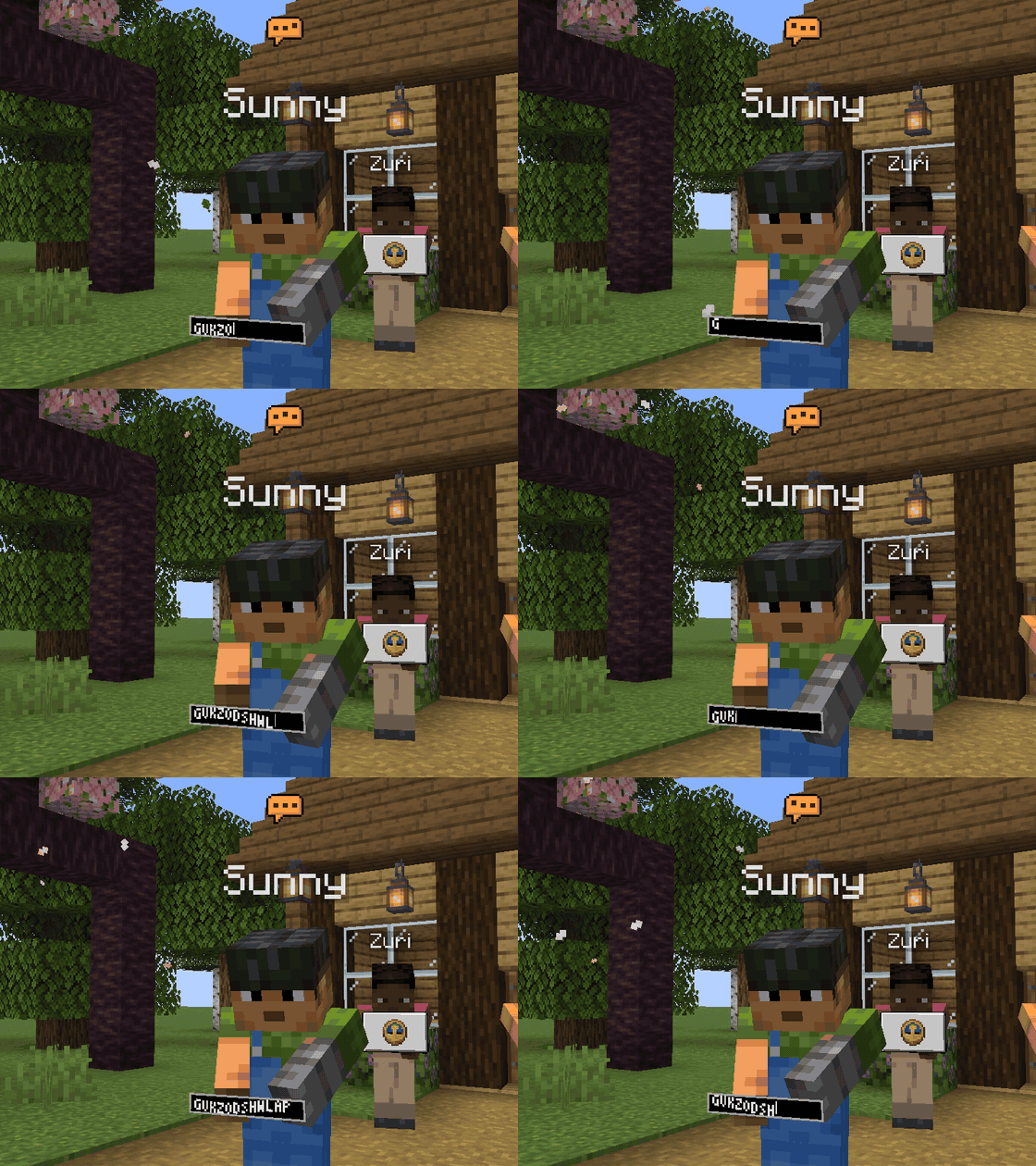
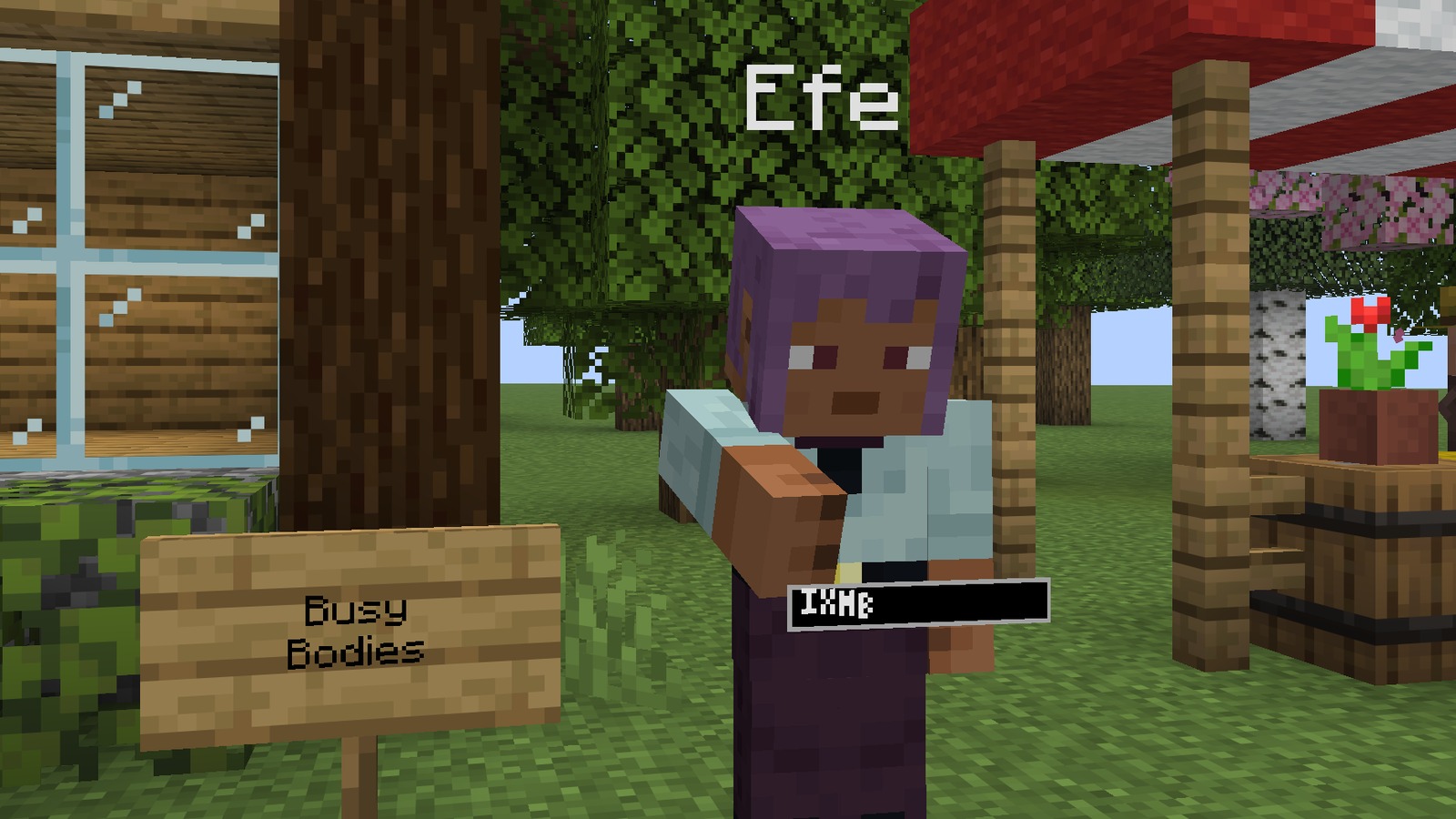
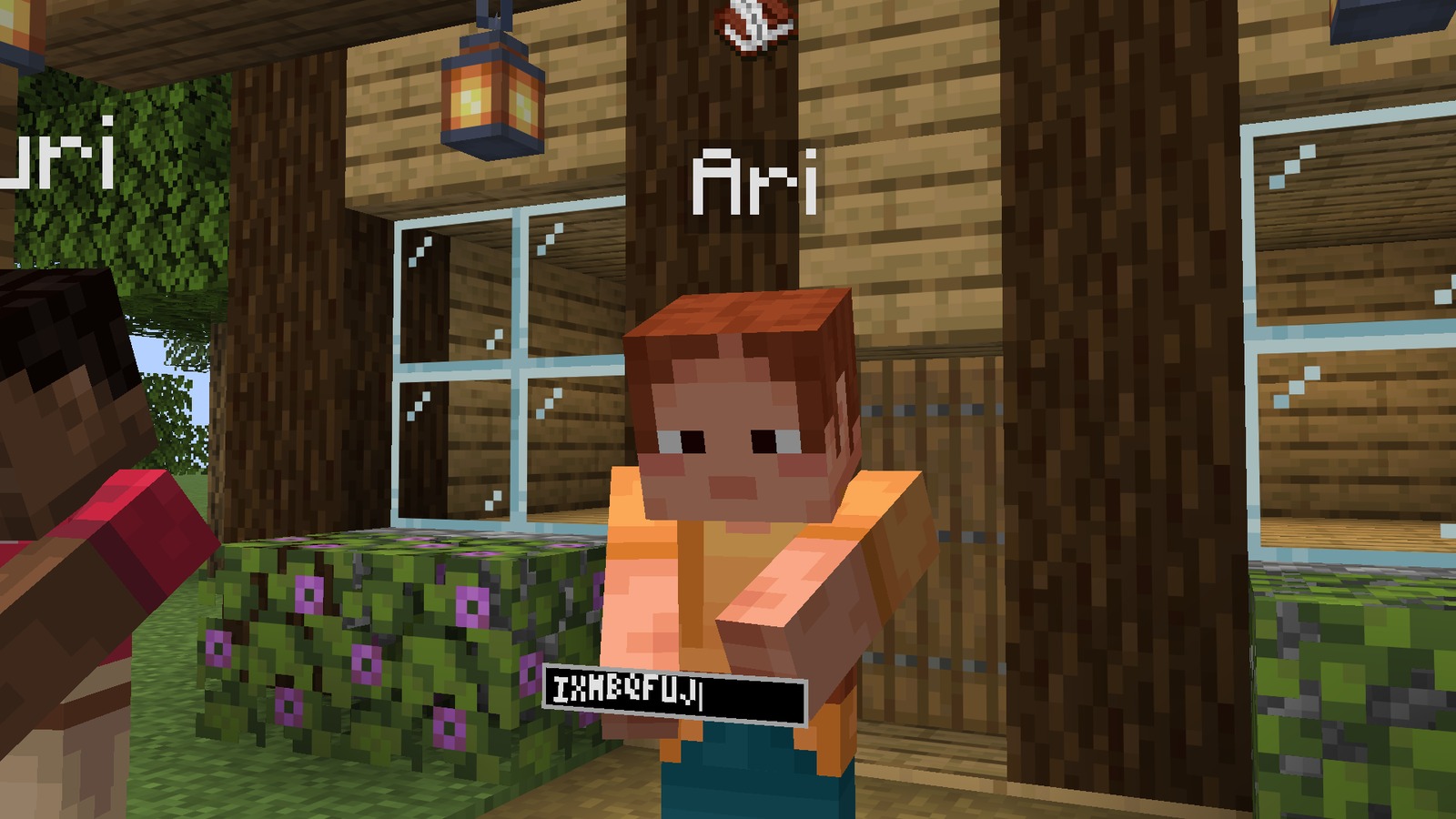
When a player opens chat, a still speech bubble appears over their head. As soon as they type, their arms come up, a small text bar appears in front of their hands and letters start jumping across it. The faster they type, the warmer the bubble: yellow, then orange.
The letters in the bar are random. Busy Bodies sends that someone is typing and how fast, never what.
Signs, books and command blocks#
Each has its own icon over the head, so you know whether a chat line, a sign or a whole book is on its way.
Commands#
Typing something that starts with a slash shows nothing at all, unless the player turns Share commands on. Then a slash icon shows instead of the bubble.
The typing line#
While someone near you types, a small line sits above your chat box: "Alex is typing", "Alex and Sunny are typing", or "Several people are typing".
Sounds#
Key taps for other players' typing exist but start switched off. Turn Key clicks on in the settings if you like them.
Switches#
Share typing, Share commands, Share signs, Share books and Share cmd blocks decide what you send. Typing poses, Typing bar, Head glyphs and Typing line decide what you see. All of them are listed here.
Written for version 0.2.0 · Minecraft 26.3