

Open menus
A small panel floats in front of anyone who has a screen open, and shows what they are doing in it.
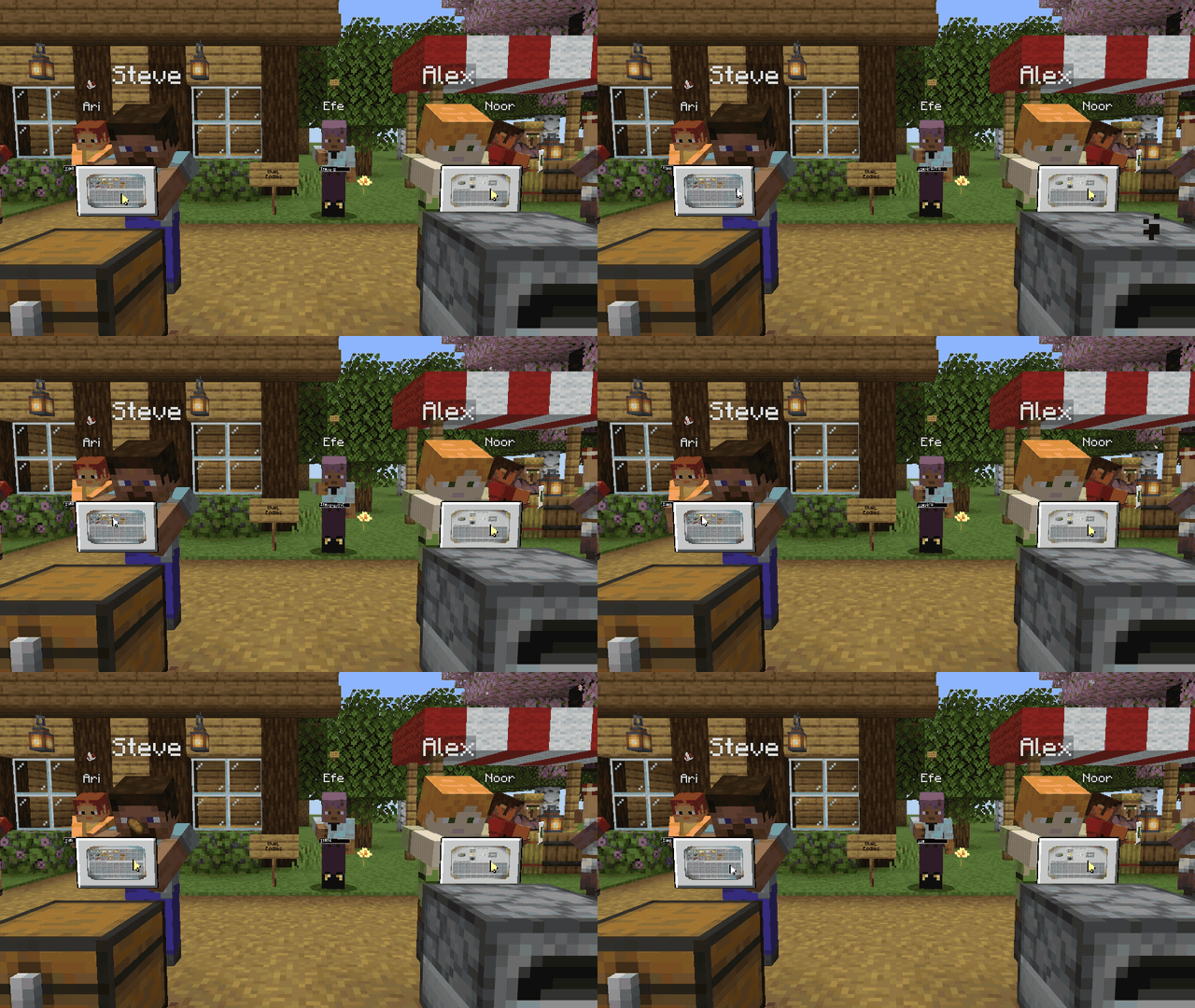
The panel#
Any menu brings up the panel: chests, barrels, furnaces, crafting tables, anvils, villager trades, a horse's inventory, your own inventory, the pause menu, options and advancements, and screens added by other mods.
Live copies#
Players within 10 blocks see a small live picture of the screen on the panel, together with the player's mouse. The arrow turns yellow while they click.
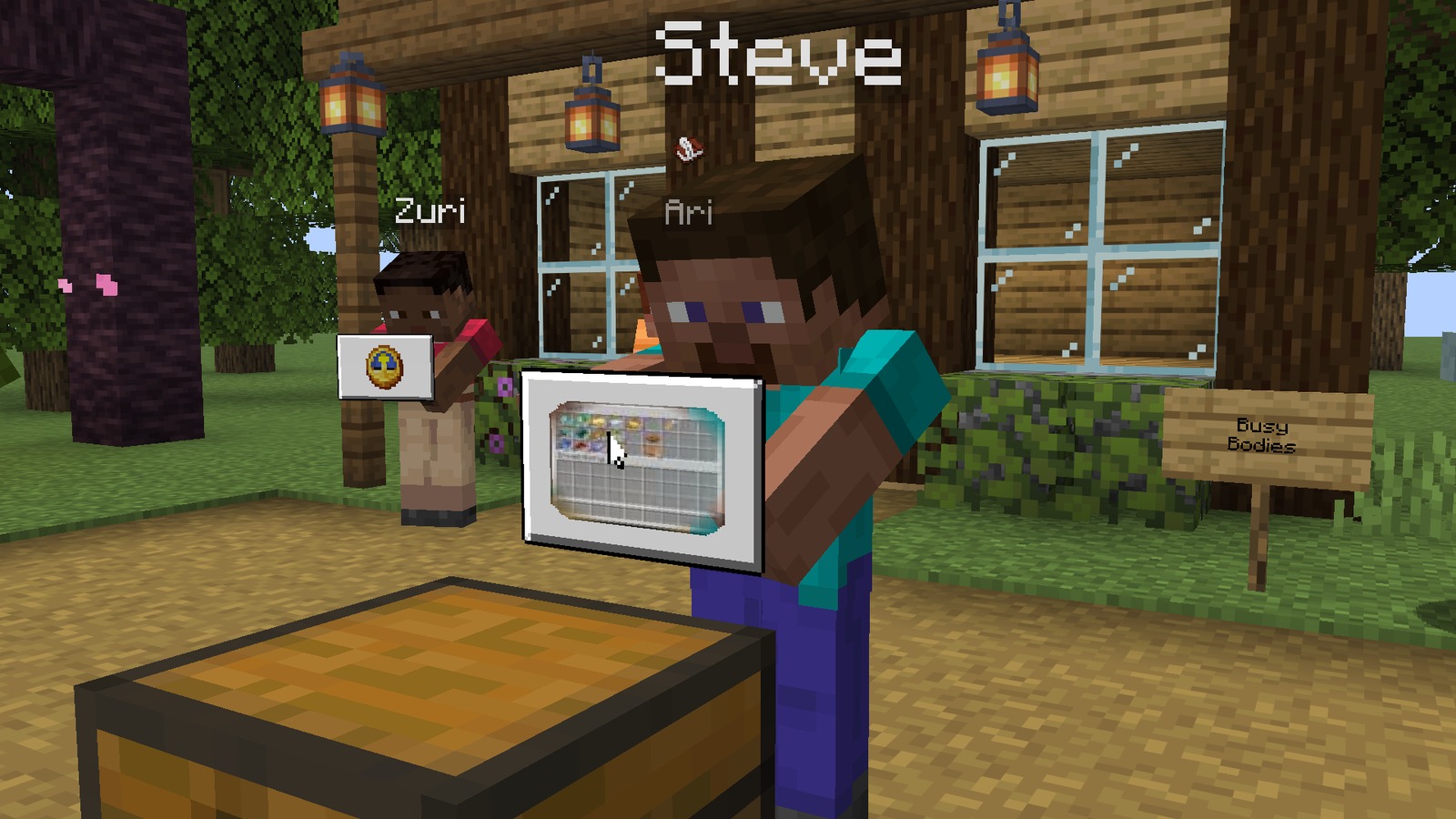
The picture is deliberately small (128 pixels at most) and softly blurred. It is sent when the screen changes or the player clicks, not all the time, so it costs very little.
From farther away#
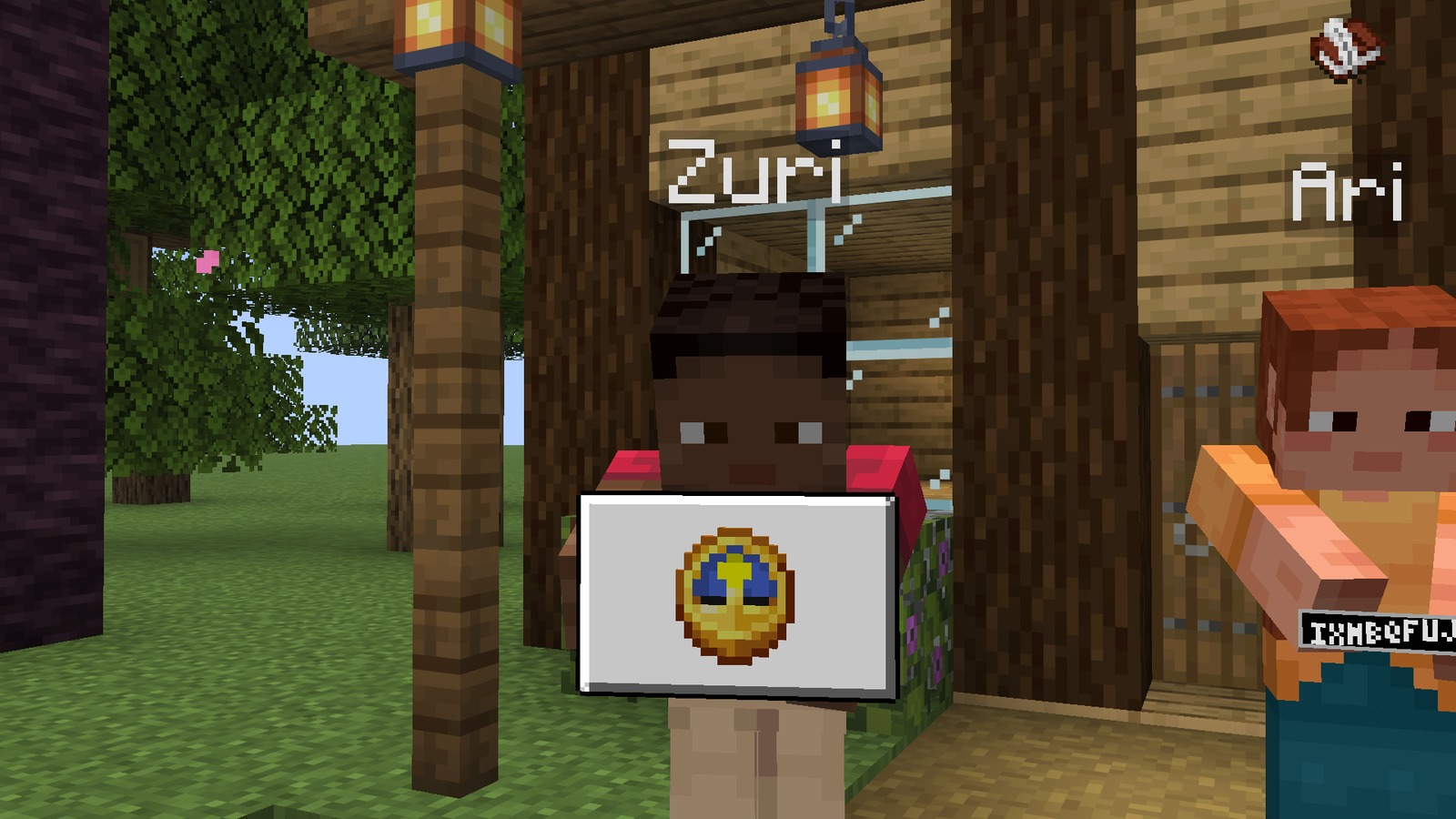
Out of range, the panel shows an icon for the kind of menu instead: a chest, a furnace, an emerald for a trade, a clock for the pause menu.
Flying items#
When a player moves an item between their inventory and a container, the item flies in an arc between the block and the panel. Enchanted items keep their glint unless the player turned Item details off.
Screens that are never copied#
Written books, the player report screens, the chat selection for reports, the social interactions screen and link warnings are never copied, whatever the settings say. Players can add more in the screen rules file.
Sounds#
A soft sound plays when a nearby player opens a menu, and a click when they click in it. Both have their own switch.
Written for version 0.2.0 · Minecraft 26.3