
Wiki / What you will see
What you will see
A field guide to everything Busy Bodies adds over, in front of and around other players.
Over the head#
| Means | |
|---|---|
| Typing in chat. Yellow when slow, orange when fast. A still bubble means chat is open but nothing is being typed. | |
 | Writing a book. |
 | Writing a sign. |
| A command. Command blocks always; chat commands only if the player turned "Share commands" on. | |
 | Away. The player paused or clicked out of the game window. |
| z zZ | Nodding off, then asleep. The player has not touched anything for a while. |
In front of the player#
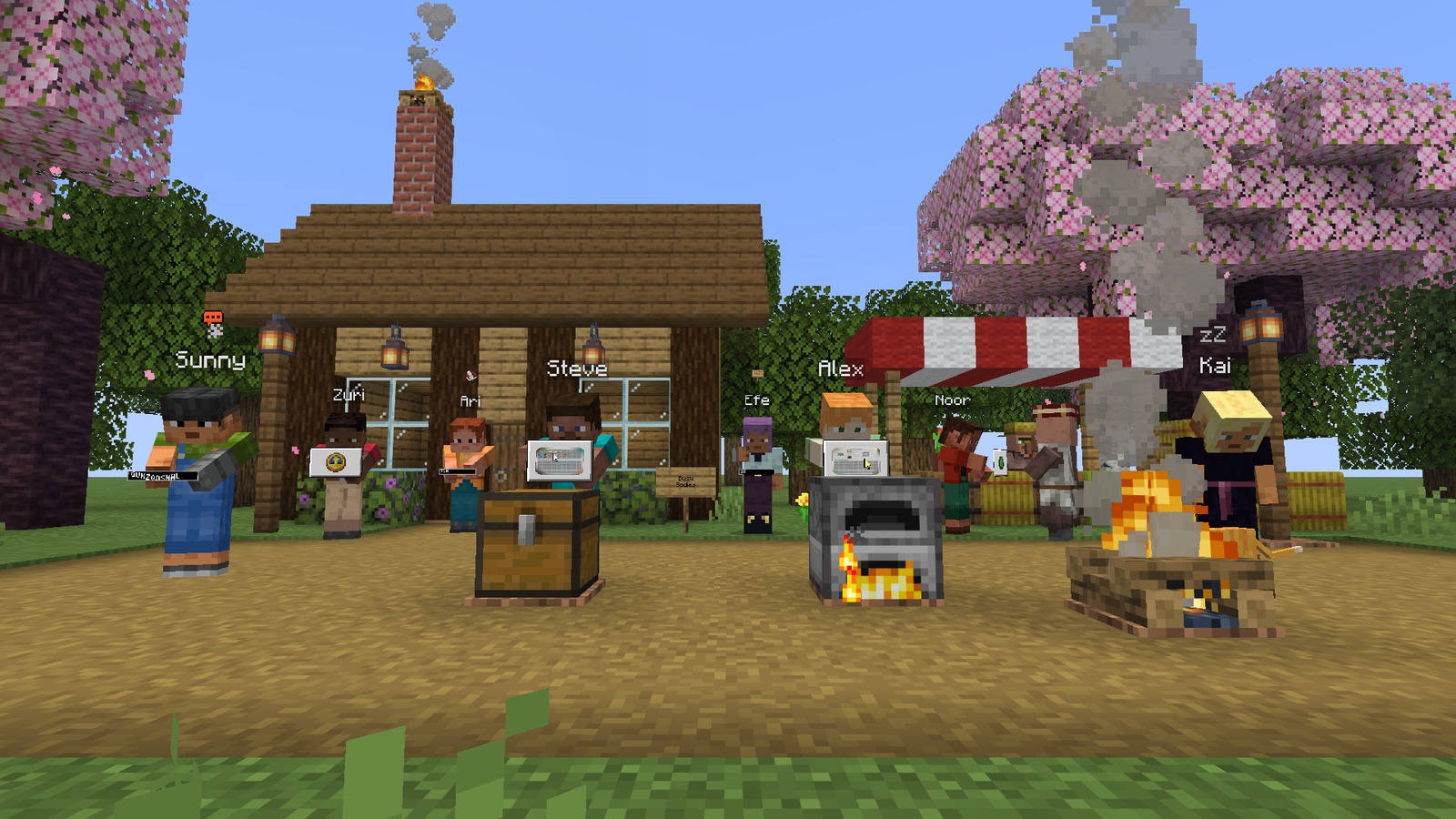
- A small text bar with jumping letters while they type. The letters are random.
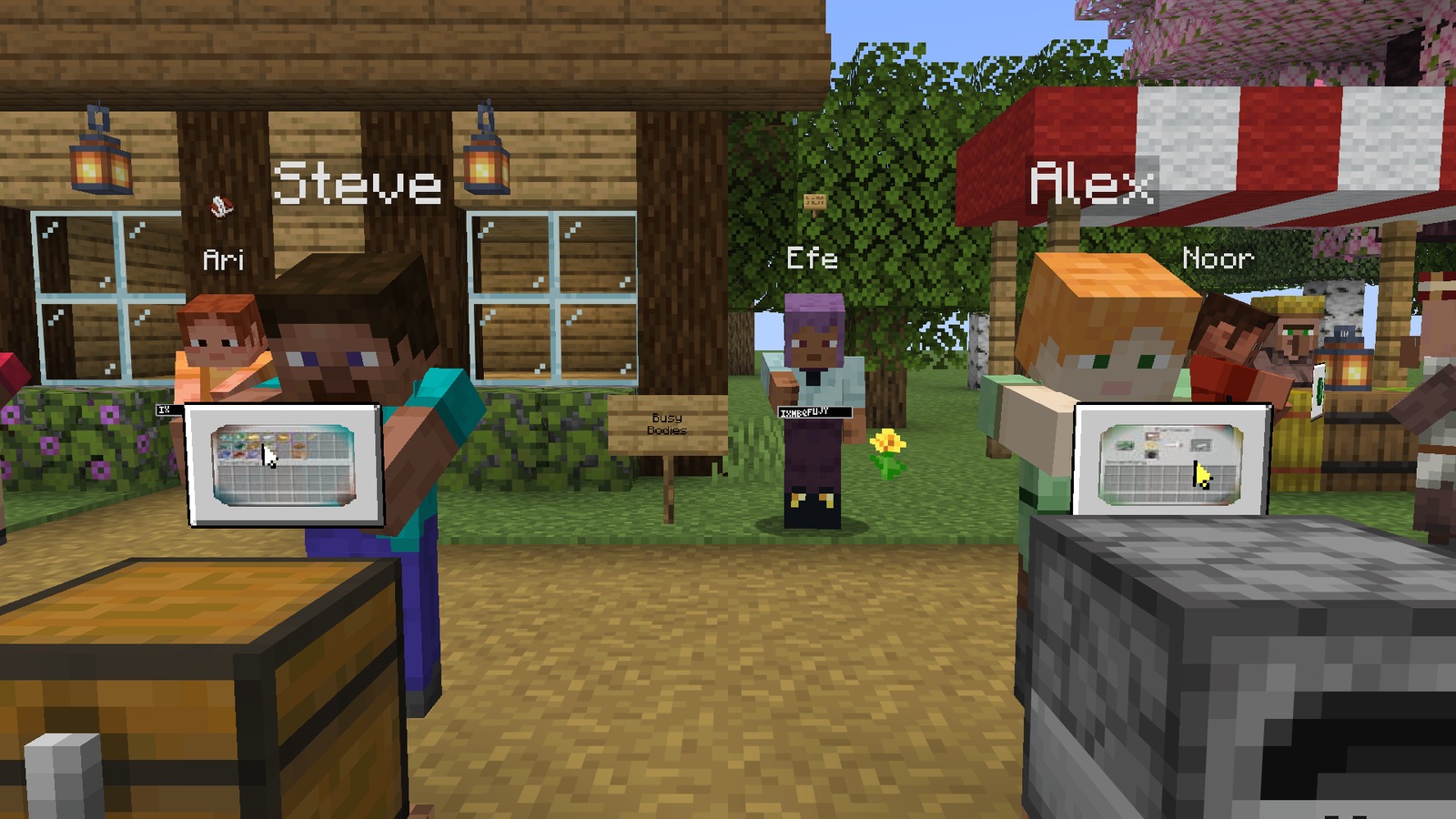
- A floating panel while they have a menu open. Close by it shows a live copy of their screen with their mouse; from farther away, an icon for the kind of menu.
- Flying items between the container and the panel when they move something.
The body#
- Typing arms held out over the text bar.
- An arm reaching for the panel, following the mouse.
- Glancing around, then nodding, then asleep with the head down after five minutes of standing still, and a stretch on waking.
Around your own screen#
- The tab list shows a small icon beside players who are typing, in a menu, away or asleep.
- Above your chat box, "Alex is typing.." while someone nearby writes.
- In chat, "Kai dozed off." and "Kai is back." if the server turned those on.

Written for version 0.2.0 · Minecraft 26.3